
On every cron run the module reads all emails in the inbox of the support mailbox. Each email is added to an existing ticket, becomes a new ticket, or is put aside. This page explains the rules.
New email: a new ticket
An email that is not a reply to a ticket email becomes a new ticket:
- the subject of the email becomes the subject of the ticket, the text becomes the first message;
- the sender becomes the ticket author. If the sender has no customer account, an account is created automatically with the name from the email;
- every other address in To and CC also becomes a customer of the ticket and gets its emails. Accounts are created for these addresses too. The store addresses (System E-Mail and the IMAP username) and banned addresses are skipped;
- images in the email text are kept as images of the message, other files become attachments (see Attachments and Inline Images);
- the source of the ticket is Email, and the ticket is verified: the customer can see it in the account after confirming the email;
- the ticket gets the Default Assigned User. This administrator gets an email about the new ticket, and every customer of the ticket gets a confirmation with the ticket number.
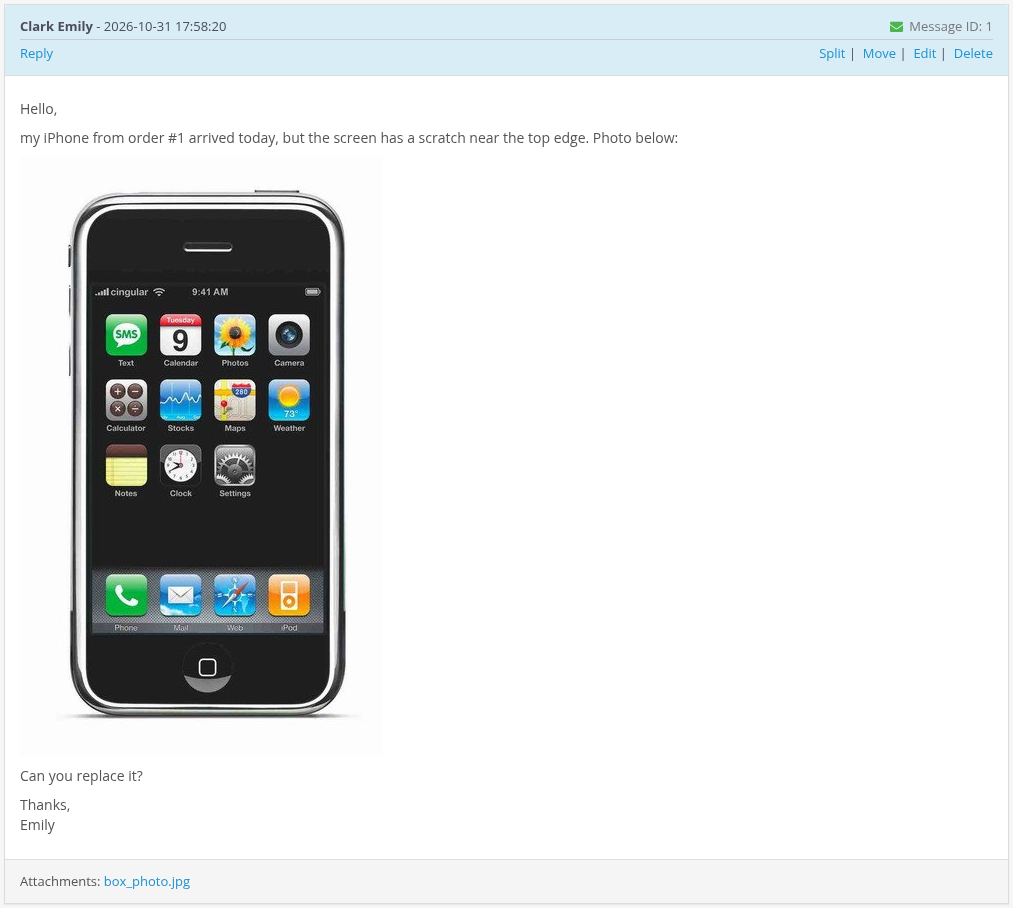
The subject of the ticket emails is [#ticket number] subject, for example [#1] iPhone from order #1 arrived scratched.
Replies are linked to their ticket
Every email sent by the module carries a hidden id of its message, signed with the secret key of your store. Mail clients copy this id into the headers of a reply. When a reply comes in, the module finds the id there and adds the reply to the same ticket, even if the customer changed the subject or replied to an older email of the conversation. The subject of the reply is not used for linking.
So it does not matter which email of the conversation the customer answers, and the customer can also write a follow-up as a reply to his own email.
An email that has no such id becomes a new ticket, even if its subject contains a ticket number. The same happens with replies to emails sent before the secret key file was replaced (see Permissions and Security).
Quoted text is removed
Ticket emails start with the line
----- REPLY ABOVE THIS LINE -----
When a reply comes in, everything from this line down is cut off, so the ticket does not fill up with quotes of earlier messages. Usually the line added by the mail client above the quote, like "On Monday, Kate Miller wrote:", stays in the message.
Ask customers to write above this line. Text written below it is lost.
Replies of administrators by email
Administrators can answer from their mail client too: reply to the email about the new ticket or new message. The reply is added to the ticket as a message of this administrator and is sent to the customers of the ticket.
- Send the reply from the email of your admin user account (System > Users > Users). A reply from another address is not imported and is moved to the SKIPPED folder.
- A reply by email marks the ticket answered, like a reply in the admin panel.
- If the message you replied to was deleted, the reply becomes a new ticket created by you.
Closed tickets
A reply to a closed ticket opens it again. The customer can also reply to the "Ticket has been closed" email to continue.
Emails that are not imported
| Folder | Result | |
|---|---|---|
| From a banned sender or mask | BANNED | Nothing is created. |
| Bounce or delivery report ("Undelivered Mail Returned to Sender", mailer-daemon) | SKIPPED | Not imported, so a failed delivery does not create a ticket or an endless email loop. |
Auto-reply (the email has an Auto-Submitted header) |
SKIPPED | Not imported. |
| Without a valid sender address | SKIPPED | Not imported. |
| A reply from an address that is not an admin user to an admin email | SKIPPED | Not imported. |
| Already imported (the same email again) | PROCESSED | Not added twice. |
| Without text | PROCESSED | Ignored. |
Every case is written to the cron log system/storage/logs/ka_messages.cron.log.
Important: accounts for everybody who writes
Because every message must belong to a customer, the module creates a customer account for every new sender and every new address in To and CC. These accounts:
- get the standard OpenCart "Thank you for registering" email;
- have a random password; the customer sets his own password with Forgotten Password;
- have an unconfirmed email until the customer confirms it or resets the password.
Spam to the support mailbox therefore also creates customer accounts. Ban such senders to stop this (see Banned Emails) and delete the accounts in Customers > Customers if needed.