
The module sends emails to the customers of a ticket and to its assigned administrator. All emails are sent from System E-Mail with the store mail settings, and replies to them come back to the support mailbox and into the same ticket.
Who gets which email
| Event | Customers of the ticket | Assigned administrator |
|---|---|---|
| New ticket from an email | Email "[#N] subject" with the message and a note that they can reply | Email "[#N] subject" with the customer, the subject and the message |
| New ticket from the contact form | Same as above | Same as above |
| New ticket in My Account | No email | Email about the new ticket |
| New ticket from the administrator | Email about the new ticket | No email |
| Customer replies by email | The other customers of the ticket get it | Email with the message |
| Customer adds a message in My Account | No email | Email with the message |
| Customer closes the ticket in My Account | No email | Email with the message "The ticket was closed by the customer." |
| Administrator adds a message (admin panel or email) | Email with the message | No email |
| Administrator closes the ticket | Email "Ticket #N has been closed" | No email |
| Ticket is assigned to another administrator | No email | The new administrator gets "Ticket #N Was Assigned to You" (not when he assigns the ticket to himself) |
| Message is edited, moved or split | No email | No email |
Notes:
- The administrator gets emails only when he is assigned to the ticket. We recommend to fill in Default Assigned User in the settings: without it new tickets stay without an administrator and no administrator gets emails about them.
- Emails go to the address of the admin user in System > Users > Users. Nothing is ever sent to System E-Mail itself, so an administrator whose user email equals System E-Mail gets no emails.
- If the ticket email is not verified, the emails to the administrator start with a red line "email not verified" (see Email Verification, Contact Form and Ticket Sources).
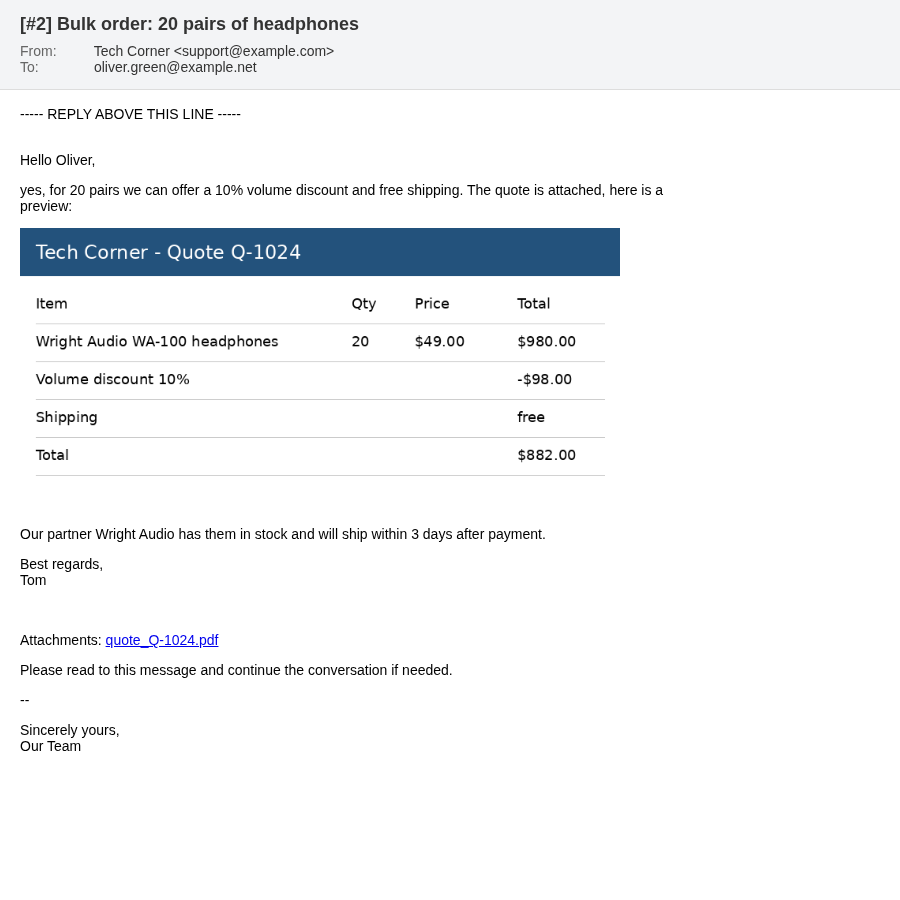
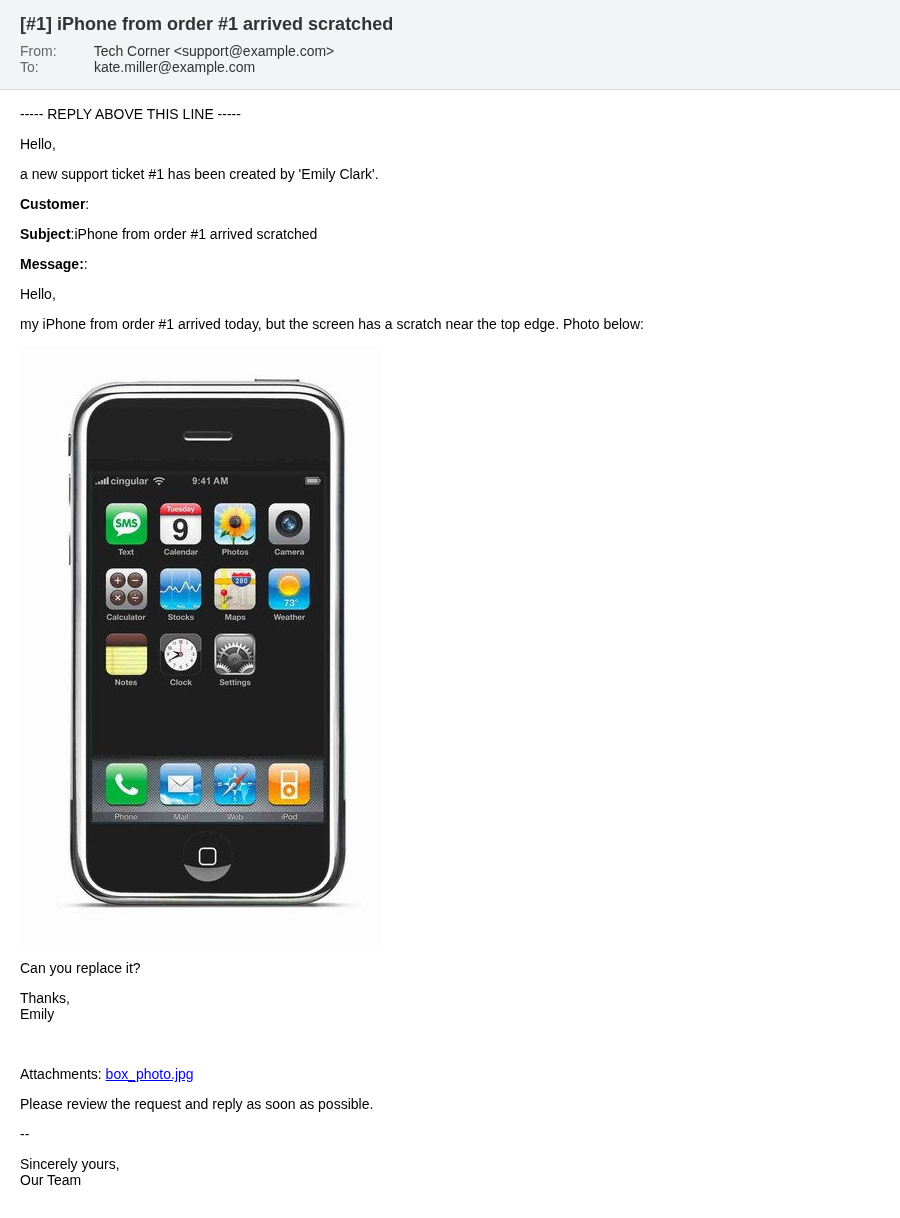
What the emails look like
- The subject is
[#ticket number] ticket subject. The close email has the subjectTicket #N has been closed, the email to a newly assigned administratorTicket #N Was Assigned to You; these two subjects are translated to the language of the recipient. - The email starts with the line
----- REPLY ABOVE THIS LINE -----. Everything below it is removed from replies. - The message text keeps its formatting. Inserted images are shown in the email (with Ka Extensions 4.1.1.30 or newer; with older versions they come as attachments). Large images are sent as smaller copies.
- Attached files are listed as links. A customer has to log in to open them, an administrator opens them in the admin panel.
- Emails of one ticket are shown as one conversation in mail clients.
Languages
The email templates are included in English and Russian. The module chooses the template by the language of the recipient: a customer gets emails in his storefront language, an administrator in the language of the admin panel (System > Settings > Local > Administration Language). The template name ends with the short code of the language pack (code in its main language file): _en for English, _ru for Russian, for example new_message_added_en.twig and new_message_added_ru.twig.
For a language without its own templates the English templates are used. To send emails in another language, for example German with the code de, copy every _en.twig file to _de.twig in the same folder and translate it. The templates are in
admin/view/template/extension/ka_extensions/ka_messages/mail/admin/
admin/view/template/extension/ka_extensions/ka_messages/mail/customer/
admin/view/template/extension/ka_extensions/ka_messages_for_mv/mail/vendor/
and the same folders under catalog/view/theme/default/template/extension/ka_extensions/. Copy them in both places: emails of the admin panel use the admin templates, emails sent by cron and by the store pages use the catalog templates. The subjects translated by the module are in the language file extension/ka_extensions/ka_messages/mail.php (admin and catalog).
Delivery status and retries
The module stores the delivery result of every message email for every recipient. On the ticket page the envelope icon of a message is green, yellow or red (see Working with a Ticket).
When an email fails, the cron retries it automatically up to 5 times with growing pauses. After that use Resend under the message. The "Ticket has been closed" emails are not tracked and not retried.
Common causes of failed emails are listed on Troubleshooting and FAQ.
Store alerts
OpenCart alerts about new orders, registrations and reviews are not ticket emails. With the module they go to Admin E-Mail, or to System E-Mail while Admin E-Mail is empty (see Settings).