
The Option tab has three tools for the options of the group products:
| Checkbox | Where | What it does |
|---|---|---|
| Copy this option with values to the products | At every option | Adds the option with its values to the group products or updates it there. |
| Delete this option from the products | At every option | Deletes the option from the edited product and from all group products. |
| Replace All Options | At the top of the tab | Group products get exactly the options of the edited product, their other options are removed. |
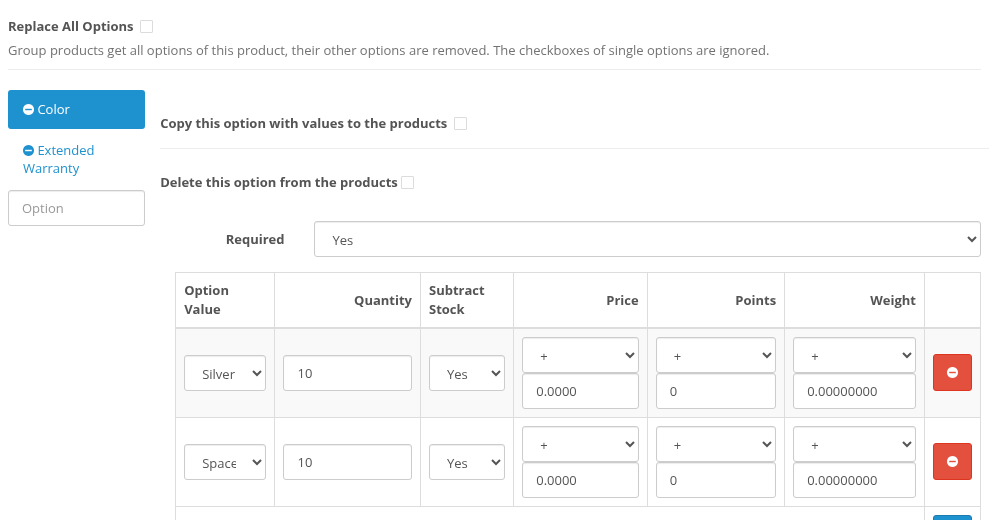
Options added in the form with the Option autocomplete get both checkboxes too.
Copy an option
Check Copy this option with values to the products at the option and save.
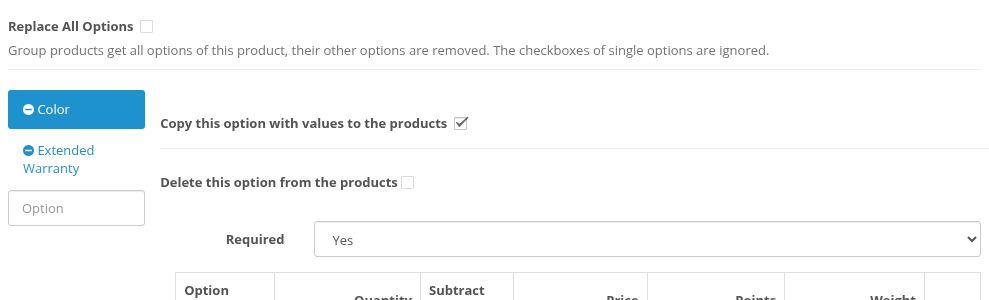
For every group product:
- The group product does not have this option. The option is added with all its values and settings (Required, quantity, price, points and weight of every value).
- The group product has this option. The option is replaced by the copy: its Required setting and its list of values become the same as in the edited product. Values that the group product does not have are added. Values that are not in the edited product are removed from the group product.
The ids of the options and values that the group product already had are kept. This matters for carts and for other modules that store these ids: for example, a customer who has "iPod Nano, Color: Silver" in the cart keeps a valid cart item after the group save.
Example from the demo store. iPod Classic has Color with the values Silver and Space Gray; iPod Nano has Color with Silver, Blue and Pink. After copying Color from iPod Classic, iPod Nano has Silver (the same value as before, with the same id) and Space Gray (new). Blue and Pink are removed.
An option can be added to a product several times (for example, two Date options). When such an option is copied, every copy is matched to one option of the group product: two checked rows update two options of the group product, and a missing one is added.
Options of the group products that are not checked stay as they were.
Delete an option
Check Delete this option from the products at the option and save. The form asks for a confirmation:
These options will be deleted from 4 products (this product and the group products): "Extended Warranty". Continue?
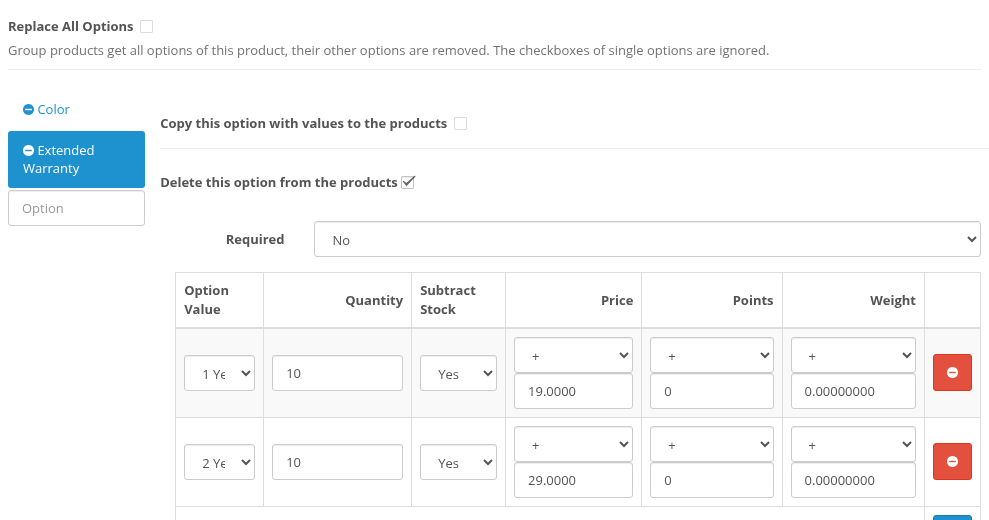
Click OK to save or Cancel to return to the form without saving. After the save the message says from how many products the option was actually deleted:
Success: You have modified products! Option "Extended Warranty" was deleted from 4 products.
Rules:
- The option is deleted from the edited product and from every group product that has it, with all its values. If a product has the option several times, all of them are deleted.
- Products without this option are skipped and are not counted in the message.
- Other options of the products are kept, with their ids.
- You can check several options in one save. The message then has a sentence for every deleted option.
- The number in the confirmation is the number of products that take part in the save: the group products plus the edited product if it is not in the group. The number in the success message counts only the products that really had the option.
Replace all options
Check Replace All Options at the top of the tab. The Copy and Delete checkboxes of single options become disabled: they are ignored in this mode.
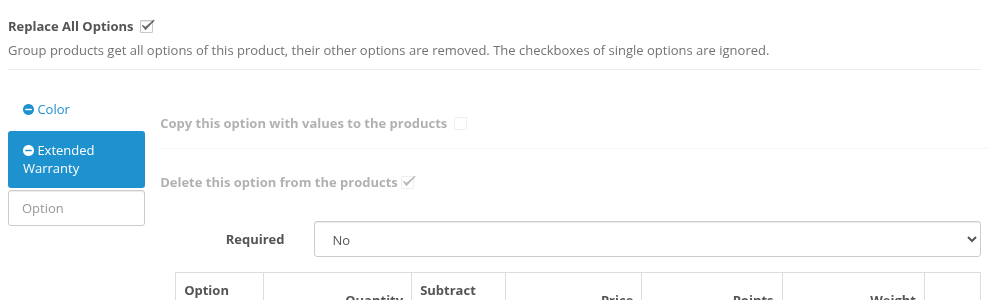
On save the form asks:
All options of 3 group products will be replaced with the options of this product. Their other options will be removed. Continue?
If the edited product has no options at all, the question is:
This product has no options. All options of 3 group products will be removed. Continue?
The number here counts the group products without the edited product: the edited product is the model and keeps its options.
After the save every group product has exactly the options of the edited product, with the same values and settings. Options and values that a group product already had keep their ids, like in Copy an option. All other options of the group products are removed.
Priorities
When several option checkboxes are checked in one save, these rules apply:
| Situation | Result |
|---|---|
| Replace All Options and Delete at some option | Replace All wins. The delete checkboxes are disabled and ignored; the edited product keeps all its options. |
| Replace All Options and Copy at some option | Replace All wins: all options are copied anyway. |
| Copy and Delete at the same option | Not possible: checking one unchecks the other. |
| Copy at one row of an option and Delete at another row of the same option | Copy wins: the option is not deleted. |
| Delete at one option and changes of other fields | Both are done in the same save. |
The edited product
The edited product always takes part in the save, whether it is in the group or not:
- Copy: the edited product is saved with its options from the form, as usual.
- Delete: the checked options are deleted from the edited product too. Its other options keep their ids. In the confirmation and in the success message it is counted once, also when it is in the group.
- Replace All Options: the edited product keeps its options; it is the model for the group products.