


Theme Colors (Opencart 4)
Product Code:
M11253
- Vendor: Karapuz Team
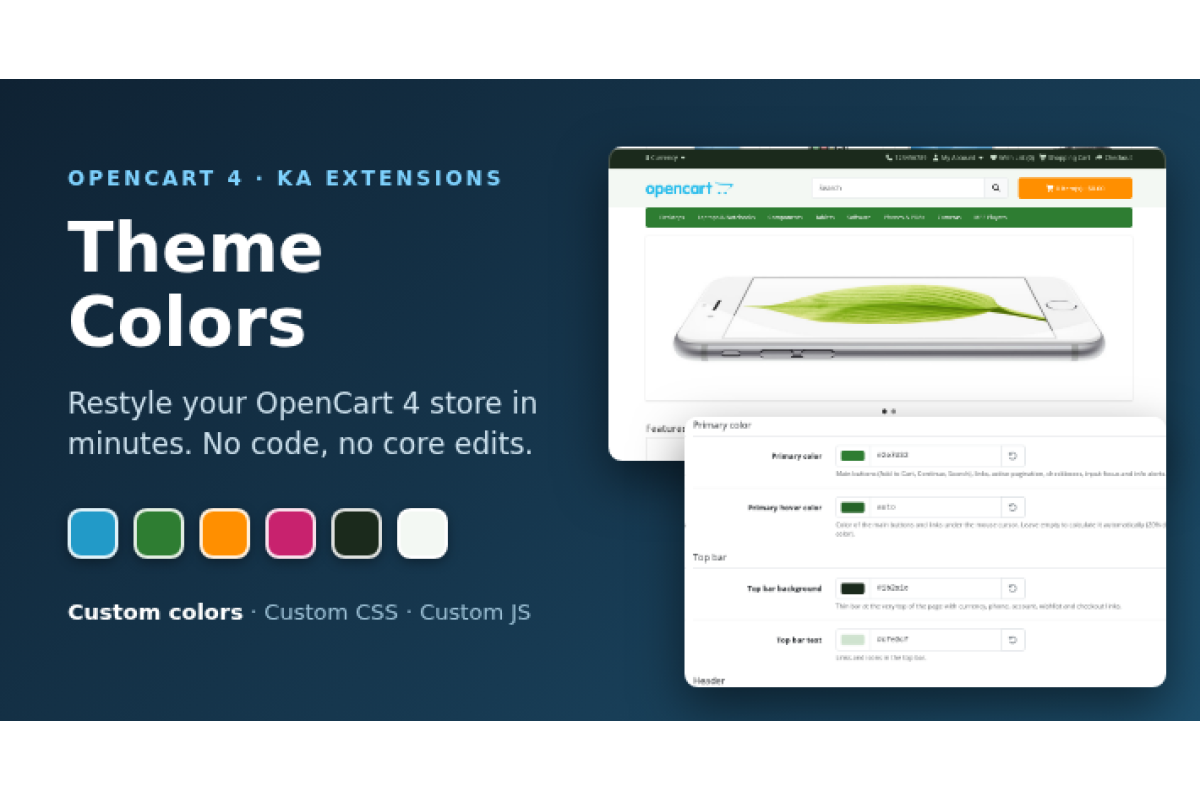
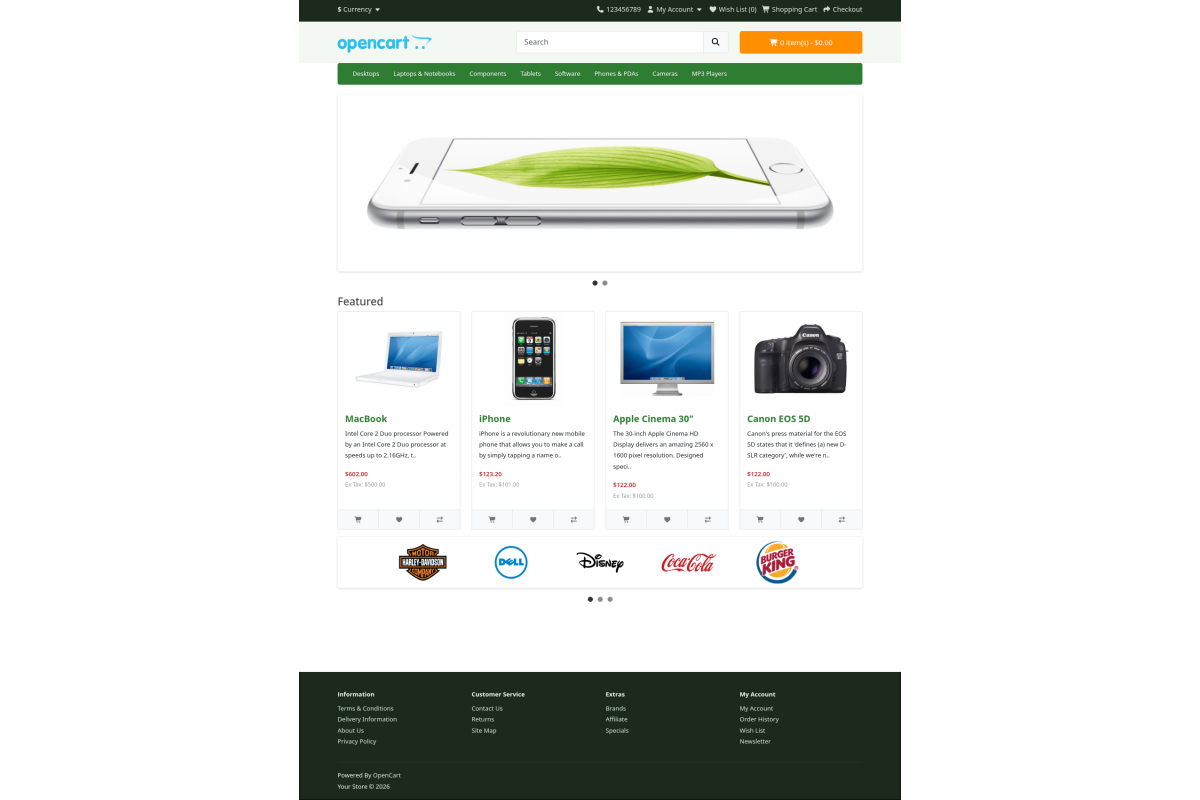
Restyle your OpenCart 4 store in minutes. 'Ka Theme Colors' extension lets you change the main colors of the default storefront theme from a simple settings page. You don't need to edit stylesheets or theme files.
Features
- 13 color settings, grouped by page area:
- Primary color: main buttons (Add to Cart, Continue, Search), links, active pagination, checkboxes, input focus and info alerts
- Primary hover color: leave it empty and it is calculated automatically (20% darker than the primary color)
- Top bar background and text
- Header background
- Menu background and text
- Cart button background and text
- Footer background, text/headings and links
- Product price
- Each color has a color picker, a hex input and a reset button that restores the default OpenCart theme color.
- Custom CSS tab: your own CSS is added to the of every storefront page, right after the theme colors.
- Custom JavaScript tab: your own JavaScript is added before of every storefront page, after jQuery and Bootstrap are loaded, so you can use $.
- Custom code is output only when the field is not empty. <, >, & and quotes are saved exactly as you type them.
- The generated color CSS is cached, so it adds almost no load to the storefront.
- No OpenCart events and no core file edits. The module uses the KaMod engine of the Ka Extensions library.
- Admin interface in English and Russian.
Requirements
- OpenCart 4.1.0.3 or newer 4.1.x (tested on 4.1.0.4)
- Default OpenCart theme
- Free Ka Extensions library 5.1.1.0 or newer
Comes With

Free Installation Service *

Lifetime Bug Fixes *

One-time purchase *
Have a question about this product?
Price
Free
Compatible Opencart Versions:
4.1.0.x
No questions yet
| File | Date Added | Download |
|---|---|---|
|
ka_theme_colors.ocmod.zip
File size: 16.9 Kb Opencart Version: 4.1.0.3, 4.1.0.4 |
16/10/2026 |