


UPS Shipping Rates (Opencart 4) Beta
Product Code:
M11257
- Vendor: Karapuz Team
UPS Shipping Rates shows live UPS rates at the checkout of an OpenCart 4 store. The rates are requested from the UPS Rating API with the UPS account of the store owner, so customers see the prices of your own UPS account (negotiated or published rates) and the estimated delivery dates.
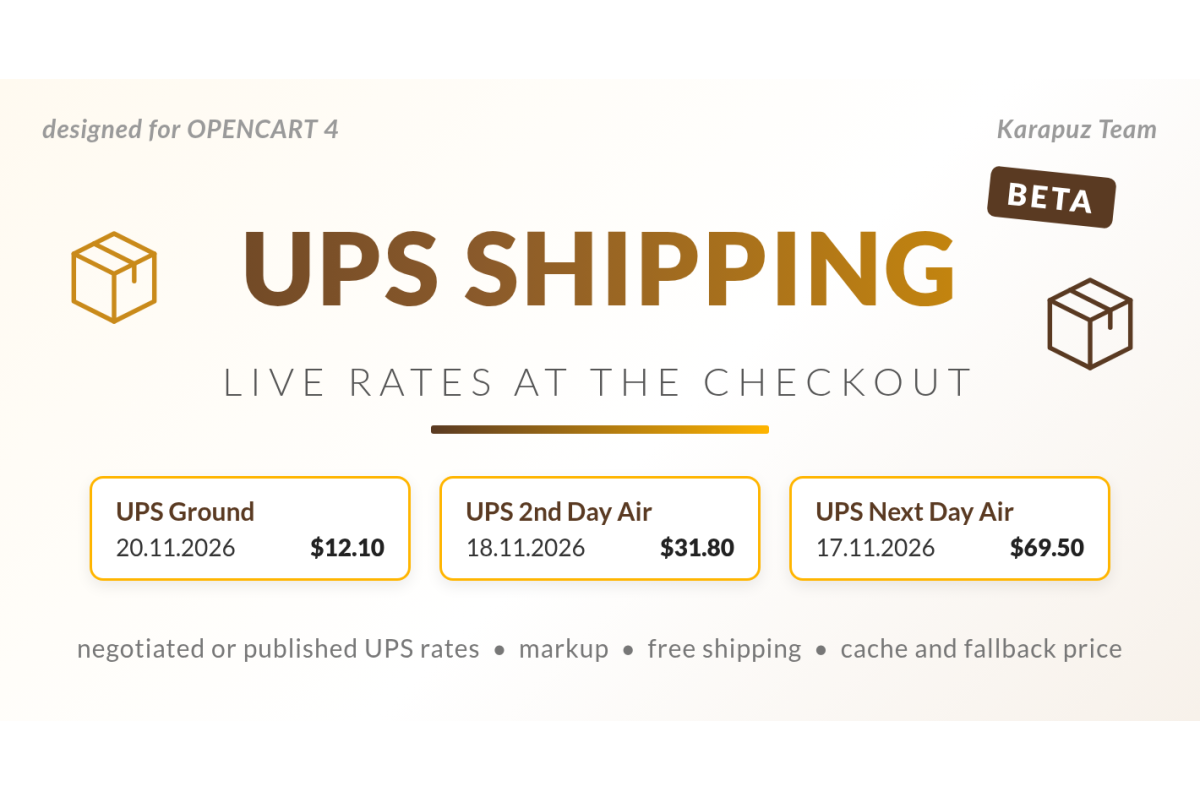
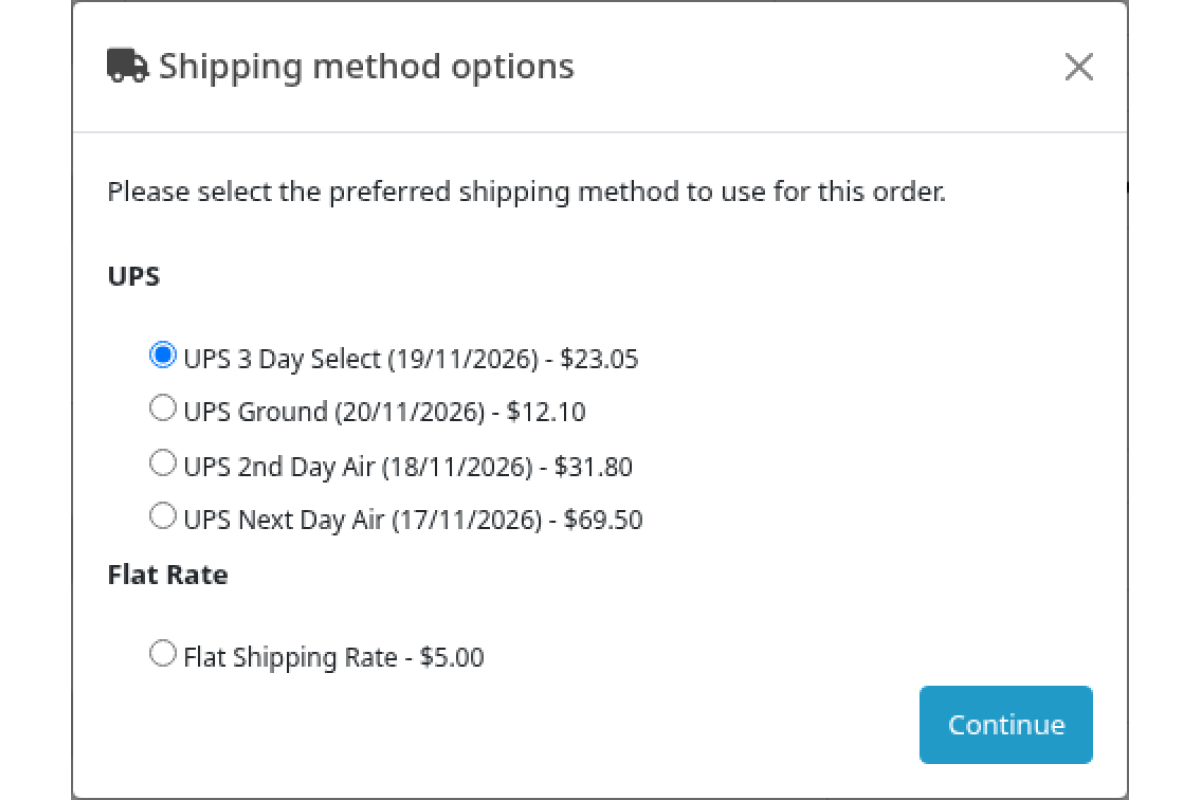
Example of the shipping step:
- UPS Ground (20.11.2026) - $12.10
- UPS 2nd Day Air (18.11.2026) - $31.80
- UPS Next Day Air (17.11.2026) - $69.50
Features
- All UPS services of the shipper country in one request (UPS Ground, 3 Day Select, 2nd Day Air, Next Day Air, Worldwide Saver, Standard and others). The services table has the names of the services for the shipper region, you give them your own titles in every store language, hide services and set their order. Services returned by UPS that are not in the table are added to it.
- Option name format with the estimated delivery date or transit days (UPS Time in Transit), sorting by the table, by price or by transit days, a limit of options.
- Negotiated or published rates, pickup type, customer classification (USA), residential or commercial address of the customer, UPS taxes.
- Markup in percent and a fixed markup, rounding, conversion from the UPS currency, free shipping from a subtotal.
- Packages: one shipment divided by weight or each item separately, product dimensions or a default box, UPS packaging types, packing material weight, metric or imperial units.
- Shipper address, handling days, cut-off time and shipping days for the ship date.
- International shipments: invoice value and currency, documents only.
- Show conditions: geo zone, customer groups, stores, cart weight, subtotal.
- Rates cache, OAuth 2.0 token cache, a pause after a series of UPS failures, the last known rates or a fallback price when UPS is not available, or the method is hidden.
- Test (CIE) and live modes of the UPS API.
- The selected UPS service, the UPS price, the published price, the markup and the delivery date are shown on the order page in the admin area.
- "Check the connection" and "Test request" buttons and a log of API requests on the settings page, credentials are masked in the log.
- No new tables or fields in the database.
Requirements
- OpenCart 4.1.0.3 or 4.1.0.4.
- Ka Extensions library (Opencart 4) 5.1.1.2 or later.
- A UPS account and an application on developer.ups.com with the Rating product (Client ID, Client Secret, UPS account number).
Installation
- Install Ka Extensions, then upload ka_ups.ocmod.zip in Extensions > Installer.
- Install the module in Ka Extensions > Extensions. It adds the "UPS" shipping method to Extensions > Shipping.
- Open the settings, enter the Client ID, the Client Secret, the UPS account number and the shipper address, enable the method.
- Press "Check the connection" or send a test request on the Log tab.
Beta version. The module was checked with automated tests and simulated UPS responses only, it was not tested with the real UPS API yet. It requires testing on real data (a real UPS account and real orders) before it is used in a live store. Please report any issues through the Help Desk.
Comes With

Free Installation Service *

Lifetime Bug Fixes *

One-time purchase *
Have a question about this product?
Price
Free
Compatible Opencart Versions:
4.1.0.x
No questions yet
| File | Date Added | Download |
|---|---|---|
|
ka_ups.ocmod.zip
File size: 77.1 Kb Opencart Version: 4.1.0.3, 4.1.0.4 |
16/11/2026 |